For kids about 3–6, with a grown-up
Fold, cut, open… Ta-da!
Step-by-step paper crafts with any coloured paper. Every step is a little animation, read aloud, so small hands can follow along and make something they’re proud of.
Free, with child-friendly ads. No accounts, no sign-in, no tracking.



How it works
One sheet of paper, five little steps.
Each craft is a guide with one animated step per screen. Tap Next when you’re ready, or let Watch all play the whole thing first.

Fold
Fold the paper in half, just like the picture.
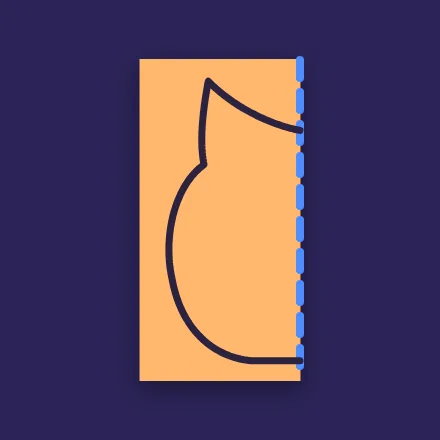
Draw
Draw the line you’ll cut along.
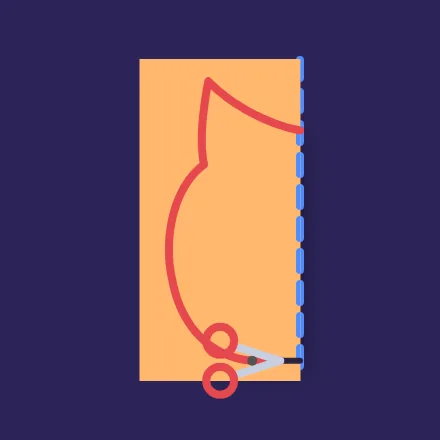
Cut
Snip along the line, with a grown-up close by.
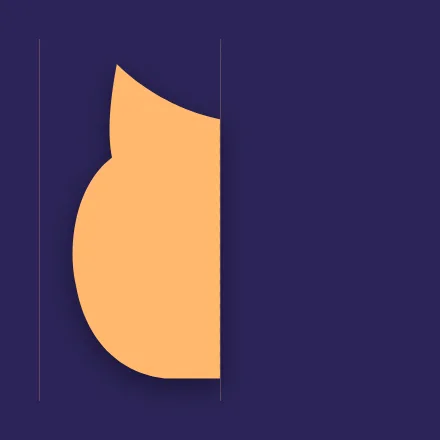
Open
Unfold it slowly and see what appears…
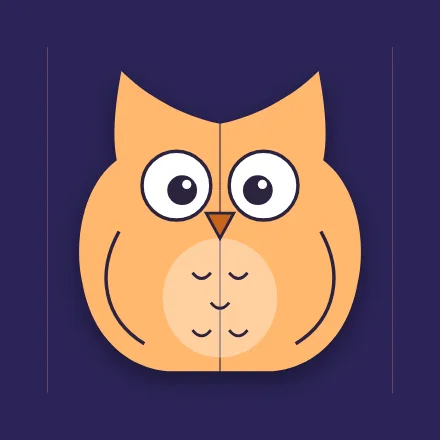
Ta-da!
A paper owl, made by you.
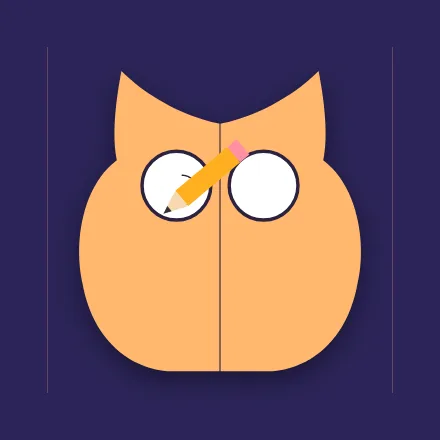
Then decorate it, one part at a time
Decorate steps show what to draw next: the eyes, then the nose, then a big smile. Each part draws itself in slowly so your child can copy it.
What’s inside
66 crafts to fold, cut and colour.
Animals, flowers, rockets, sea creatures and party things, from a one-cut heart to a paper doll chain that holds hands.
- Animals
- Garden & seasons
- Party
- Space & things that go
- Under the sea
- Home
- Love & friends
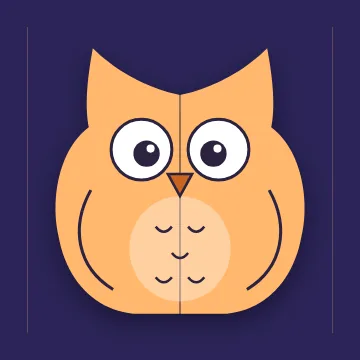
Wise Owl Happy Pig Rocket 
Paper Doll Chain Wiggly Octopus 
Big-Ear Elephant 
Tulip 
Robot Pal 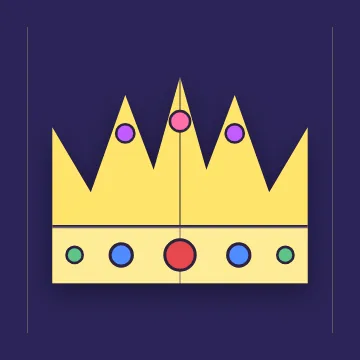
Party Crown 
Sea Turtle 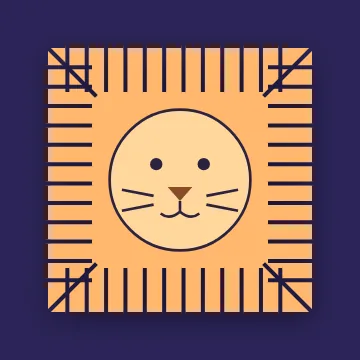
Fluffy Lion 
Sunny Sun
Watch all
Plays every step in order and reads it aloud, then says “Your turn!” and you make it together.
Read aloud
Every step is spoken aloud by your device, so children who can’t read yet can follow along.
Four brain games
Little puzzles made from the crafts:
- Guess the magic
- Memory match
- Put the steps in order
- Trace the cut
New crafts, no updates
New crafts arrive in the app by themselves. There’s no app update to install.
Decorate steps
Eyes, nose, smile: one part at a time, drawn in slowly to copy.
Easiest first
Pick your child’s age and the crafts that suit them come first.
For grown-ups
Made for you to do together.
Paper Tada is built for a grown-up and a child side by side, with the settings and purchases out of little fingers’ reach.
Kid lock
Keep your child inside Paper Tada while they craft.
- Android: screen pinning, started from the Grown-ups screen.
- iPhone and iPad: Guided Access; the app shows you how to turn it on.
- A grown-up PIN guards purchases, settings and Kid lock.
No accounts. No tracking.
No sign-up, no sign-in, no email address and no analytics. Your child’s progress stays on your device.
Purchases belong to your App Store or Google Play account, and Restore purchase brings them back on a new device.
Gentle, safe ads
Only non-personalised ads rated G, and never during a craft’s steps. A small banner sits on the main screens; a full-screen ad can follow a finished craft, at most every second one.
Don’t want ads at all? Remove them once, for good.
Paper tips
- Any coloured paper works.
- Bigger paper is easier to cut and makes a bigger picture.
- Sticky notes work too, for crafting on the go.
- Use child-safe scissors and stay close by.
Pricing
Free to start. Simple to upgrade.
No account needed for any of it.
Free
A$0
- 46 crafts, with Watch all and read-aloud
- All four brain games
- New free crafts as they arrive
- Child-friendly, non-personalised ads
Remove ads
A$4.99 once
- Everything in Free
- No ads, ever
- A one-time purchase, not a subscription
Paper Tada Plus
A$2.99 a month
or A$19.99 a year
- All the paid crafts
- Every new craft as it arrives
- No ads
Prices are in Australian dollars; the App Store and Google Play show the price in your local currency. Purchases are made in the iPhone, iPad and Android apps (coming soon). Paper Tada Plus renews automatically until you cancel it in your store settings, at least 24 hours before it renews. See the Terms of Use.
Daycare and classrooms
We’re planning Paper Tada for daycare centres, preschools and classrooms. Tell us what your group would need.
Questions
Frequently asked questions
What is Paper Tada?
Paper Tada is an app of step-by-step paper crafts for kids about 3 to 6 and the grown-up helping them. Each step is a short animation, read aloud: fold the paper, draw the line, cut along it, open it up and… Ta-da! There are 66 crafts, from owls and rockets to paper doll chains.
What age is Paper Tada for?
Kids about 3 to 6, with a grown-up. The grown-up looks after the scissors and helps where needed; the child folds, draws, cuts and decorates as much as they can. You can pick your child’s age and the easiest crafts come first.
What paper and tools do I need?
Any coloured paper, a pencil or crayon, and child-safe scissors. Bigger paper is easier for small hands to cut and makes a bigger picture. Sticky notes work too, so you can make a craft almost anywhere.
Is Paper Tada free?
Yes. Paper Tada is free with ads, and 46 of the 66 crafts are free, along with all four brain games. You can remove the ads with a one-time purchase of A$4.99, or get every craft with Paper Tada Plus.
What is Paper Tada Plus?
Paper Tada Plus unlocks all the paid crafts and every new craft as it arrives, with no ads. It costs A$2.99 a month or A$19.99 a year, and starts with a 7-day free trial. It renews automatically until you cancel it in your App Store or Google Play settings, at least 24 hours before the renewal date.
What ads will my child see?
Only non-personalised ads rated G, chosen without tracking. There are never ads during a craft’s steps: a small banner sits on the main screens, and a full-screen ad can appear after a finished craft, at most every second one.
Do I need an account?
No. There are no accounts, no sign-in and no tracking. Your child’s progress stays on your device. Purchases belong to your App Store or Google Play account, so you can restore them on a new device with Restore purchase.
What is Kid lock?
Kid lock keeps your child inside Paper Tada. On Android it uses screen pinning, started from the Grown-ups screen; on iPhone and iPad it uses Guided Access, which the app shows you how to turn on. A grown-up PIN guards purchases, settings and Kid lock.
What does Watch all do?
Watch all plays every step of a craft in order and reads each one aloud, so your child can see the whole craft first. At the end it says "Your turn!" and you make it together, step by step.
Can we use Paper Tada in a web browser?
Yes. Open app.papertada.com in any modern browser to try the free crafts and games. Purchases and Kid lock are in the iPhone, iPad and Android apps.
When are the iPhone, iPad and Android apps coming?
Soon. Paper Tada is coming to the App Store and Google Play. Until then, you can use it in your browser at app.papertada.com.
Still have a question? See Support or write to hello@papertada.com.

Grab some paper. Let’s make a Ta-da!
Try the free crafts in your browser now. The iPhone, iPad and Android apps are coming soon.